
Product / Classes and materials
One page for every class
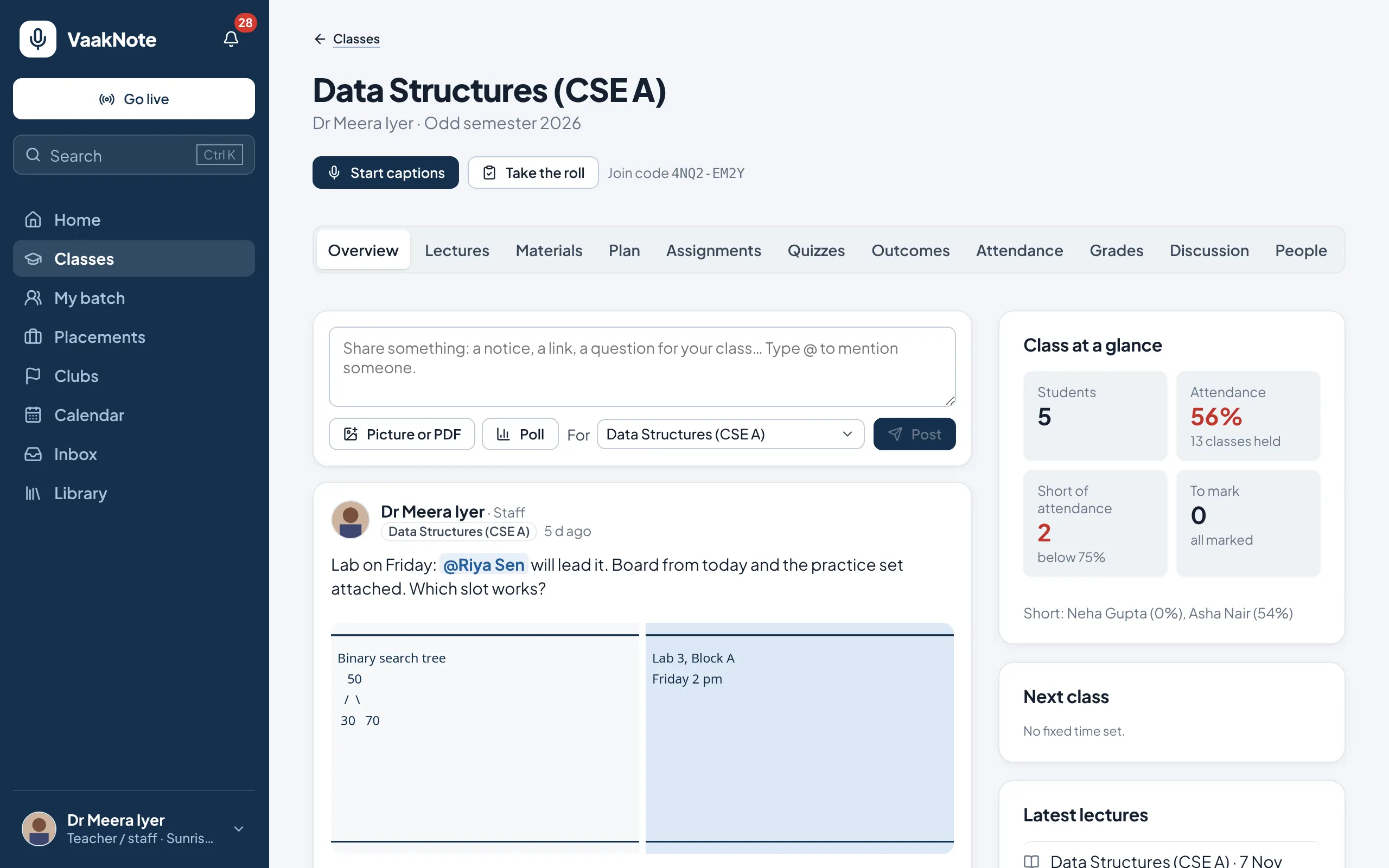
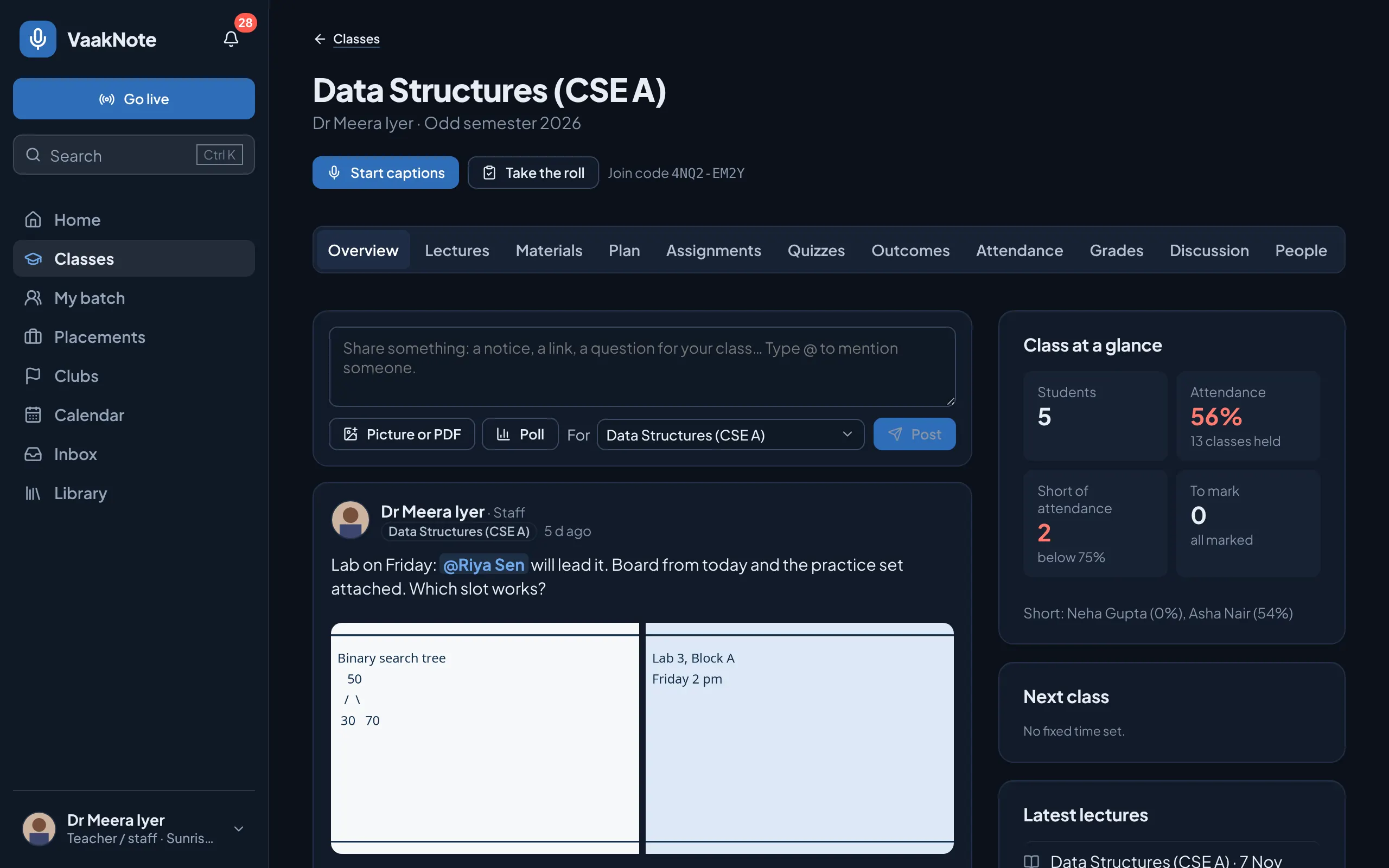
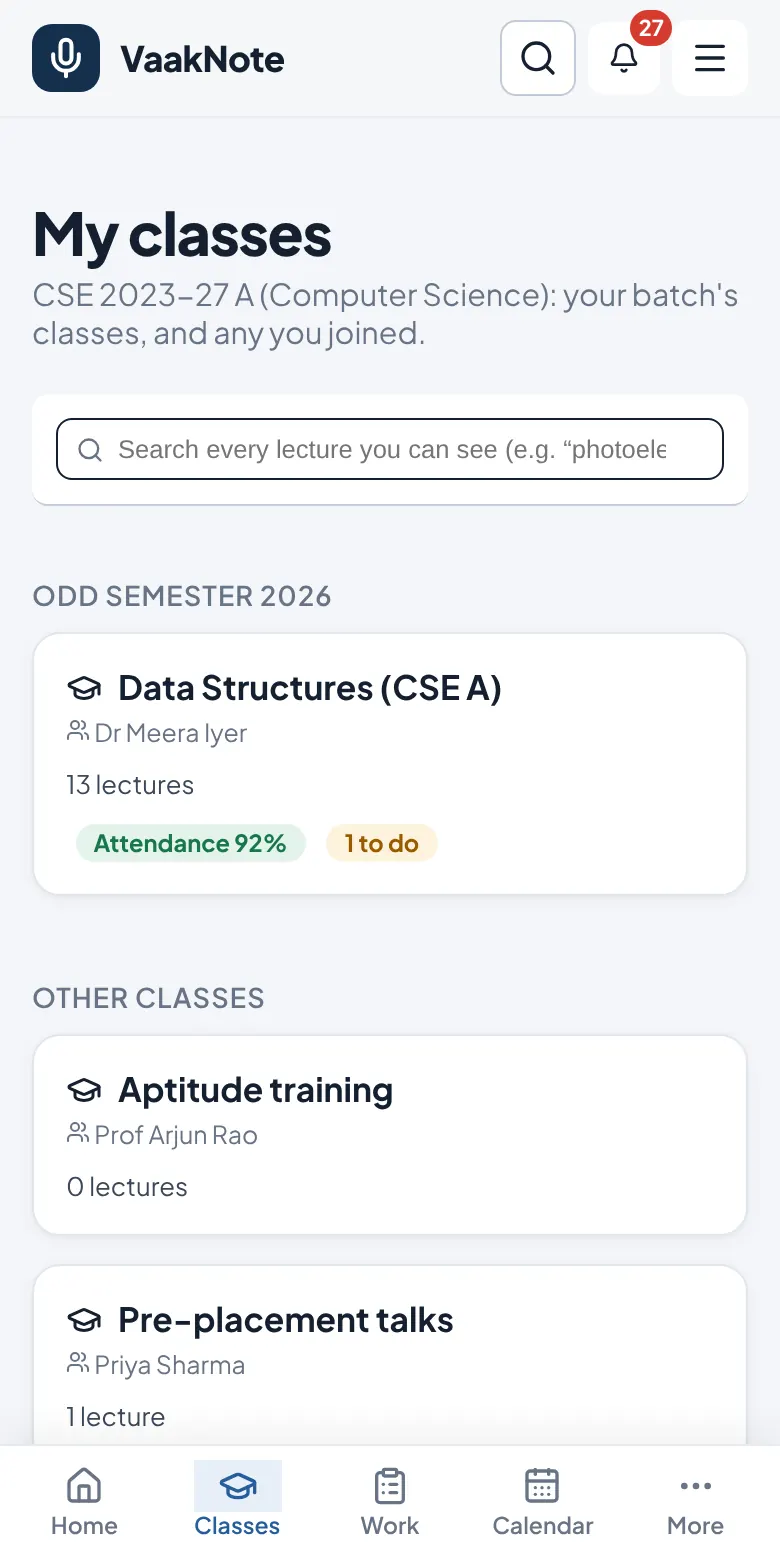
Everything about a class sits on one page: its units, what the teacher shared, every lecture, assignments, quizzes and marks. Teachers and students see the same page, each with what they need.
- Teachers
- Students
- Heads of department
See it
What it looks like
Materials and notes
- Units or weeks, each with files, links and short notes; drafts stay with the teacher until published.
- Lecture notes written in Markdown, with maths (KaTeX), code and diagrams, attached to the lecture they belong to.
- Every class held has a lecture, with captions or without, so the class page is a complete record of the term.
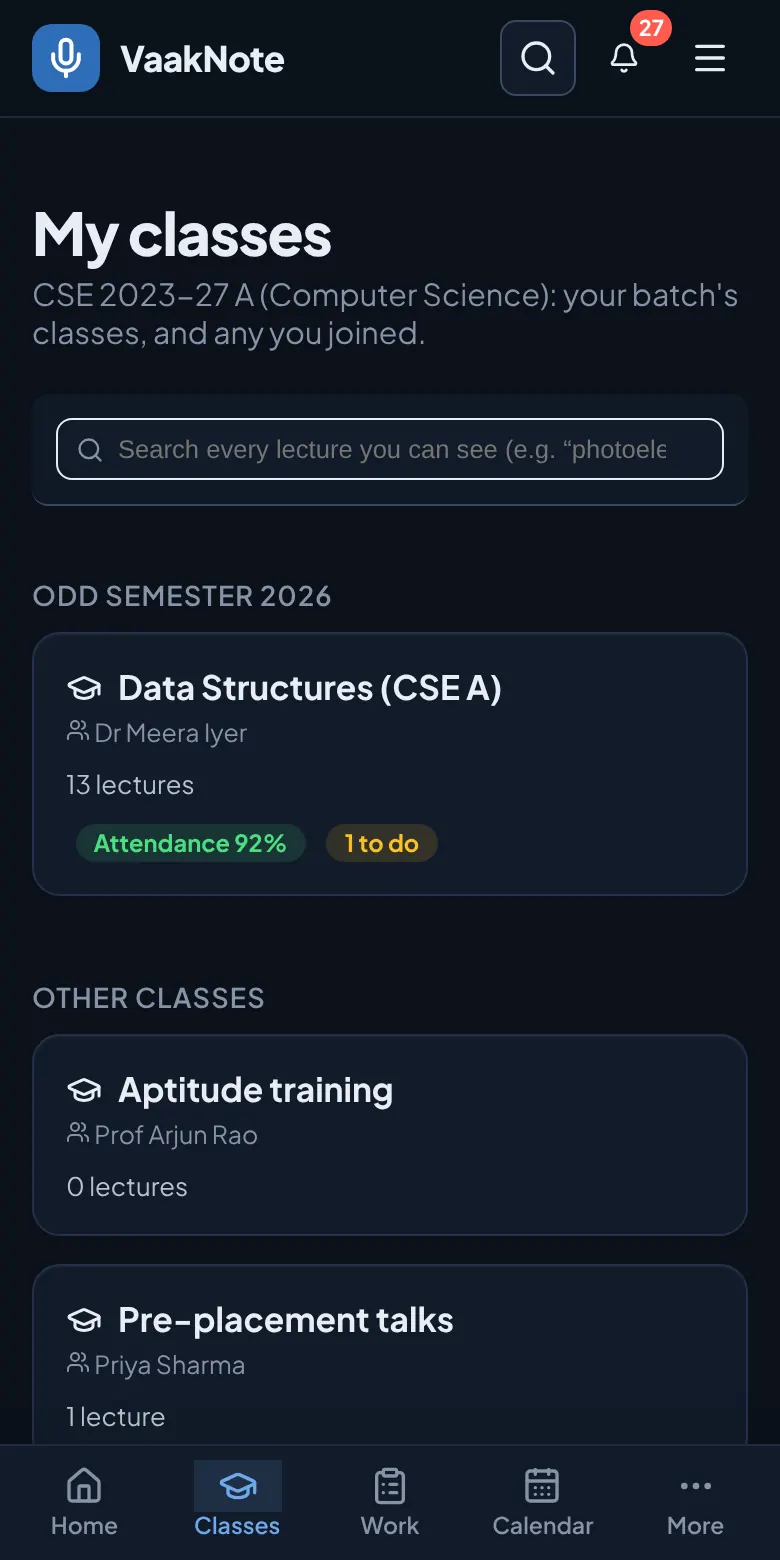
- Students download materials and save lectures on their phones to read without a connection.
Assignments and quizzes
- Assignments with due dates, late rules and rubrics; files submitted from a phone; marks and comments back to each student.
- Quizzes from a question bank, timed or open, marked on their own; questions can be drafted from the lecture when AI is on.
- Practice tests students take as often as they like, separate from the marks that count.
Marks
- A gradebook per class with your components and weights, from assignments, quizzes and marks entered by hand.
- Internal assessment locks once it is sent to the university, and exports in the format the university asks for.
Terms and archives
- At the end of a term, classes are archived: readable, never changed. Next term starts from a copy of the old one.
Questions
Can a teacher reuse last year's material?
Yes. Copying a class into the next term brings its units, materials, notes and question bank; students and marks stay behind.
Do students need to install anything?
No. It runs in the browser on any phone or computer, and installs as an app if they want it on the home screen.
Who decides which classes exist?
The department. Its admins set up each class from the timetable or allotment and give it to its teacher, so nobody makes classes of their own.
More of the product
Attendance
Attendance in one tap, short lists without spreadsheets
Planning and timetables
The semester planned, from allotment to timetable
Departments
Each department runs itself
NAAC, NBA and NIRF
Accreditation evidence, gathered as you teach
Live captions
Every lecture captioned live, in 22 Indian languages
On phones
Made for the phone in every student's pocket
The OfficeAdd-on
The college office, students and staff, in the same system
Placements and internshipsAdd-on
The placement cell, from profiles to offers
Clubs and societiesAdd-on
Clubs, events and activity points, without the paperwork
See it with your own timetable
A 30-minute call: we set up a department from your data and walk through a semester, from allotment to the NAAC report.