
Product / Live captions
Every lecture captioned live, in 22 Indian languages
Captions appear as the teacher speaks, in English, Hindi, Bengali, Tamil and 19 more, including the Hinglish real classrooms use. Students follow on their phones in their own language, and every lecture is kept to read and search.
- Students
- Teachers
- Students who rely on captions
See it
What it looks like
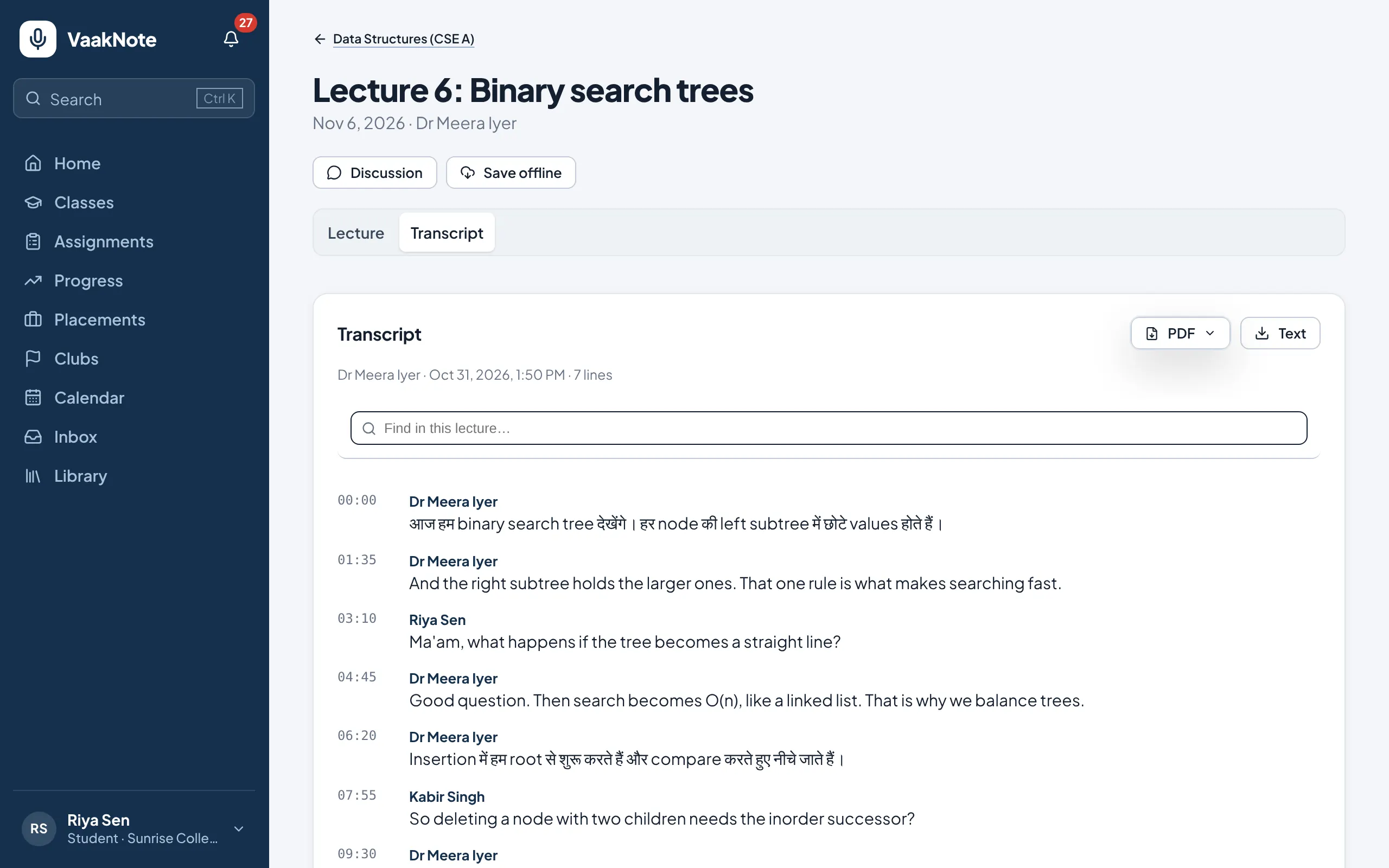
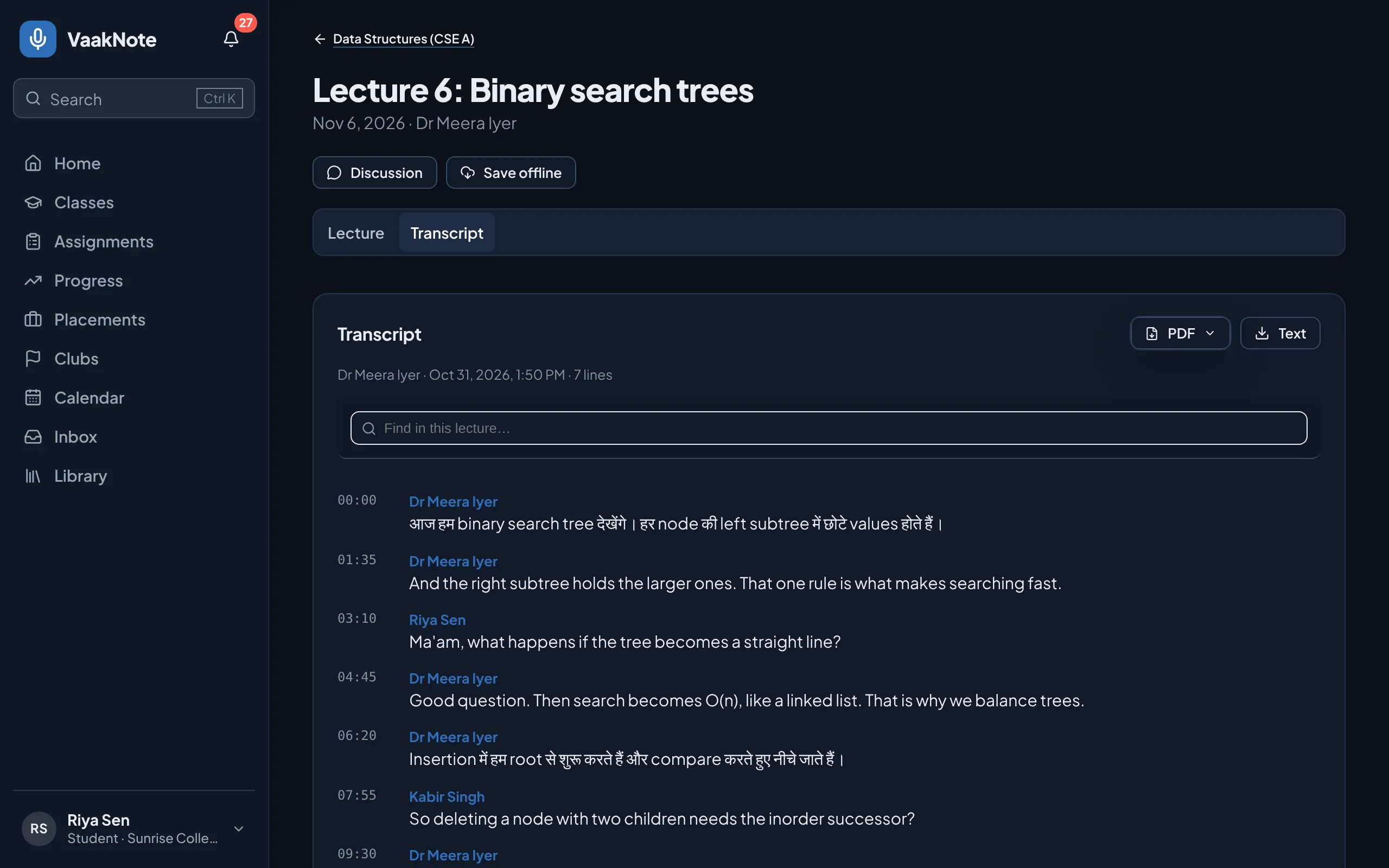
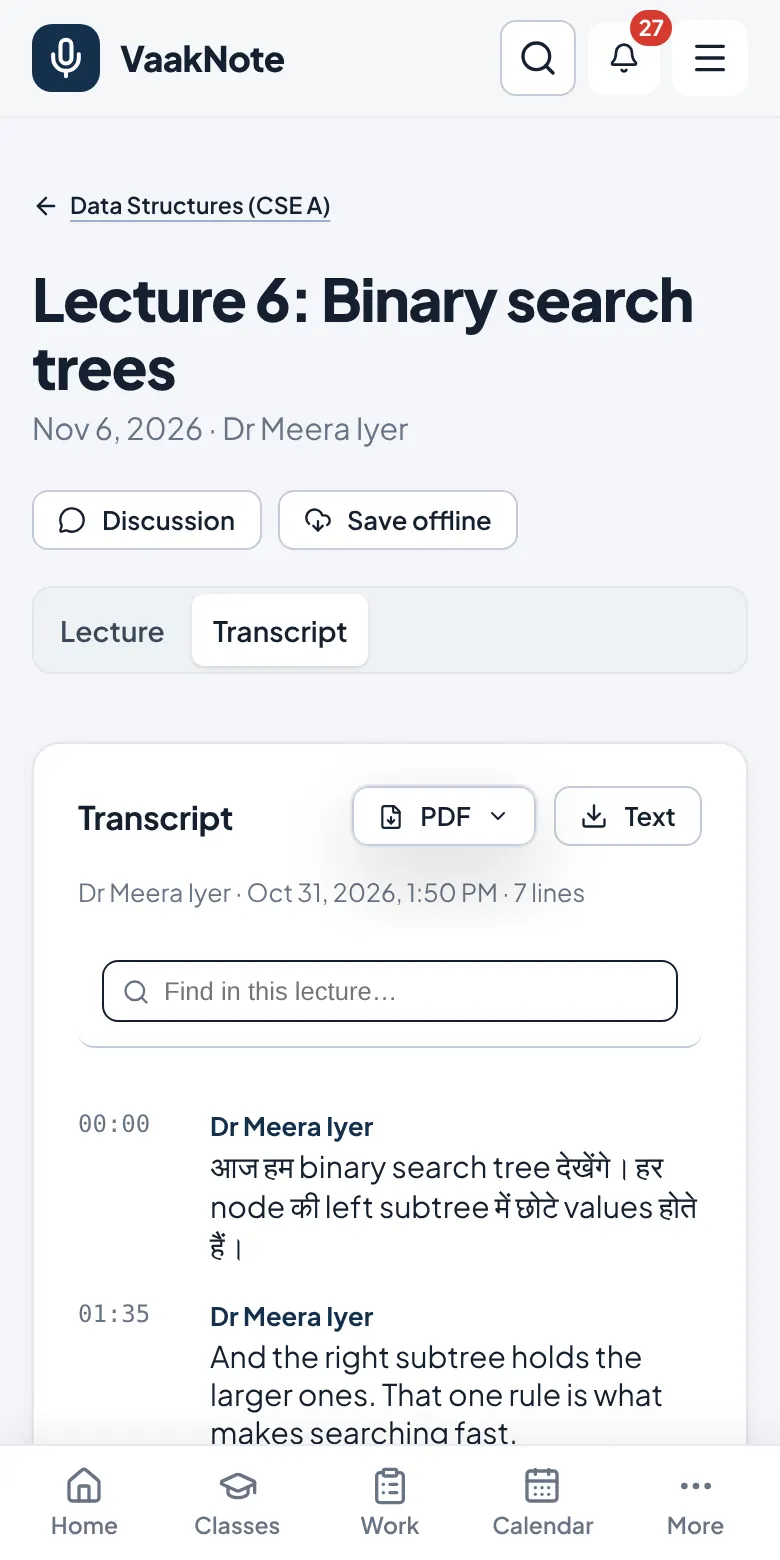
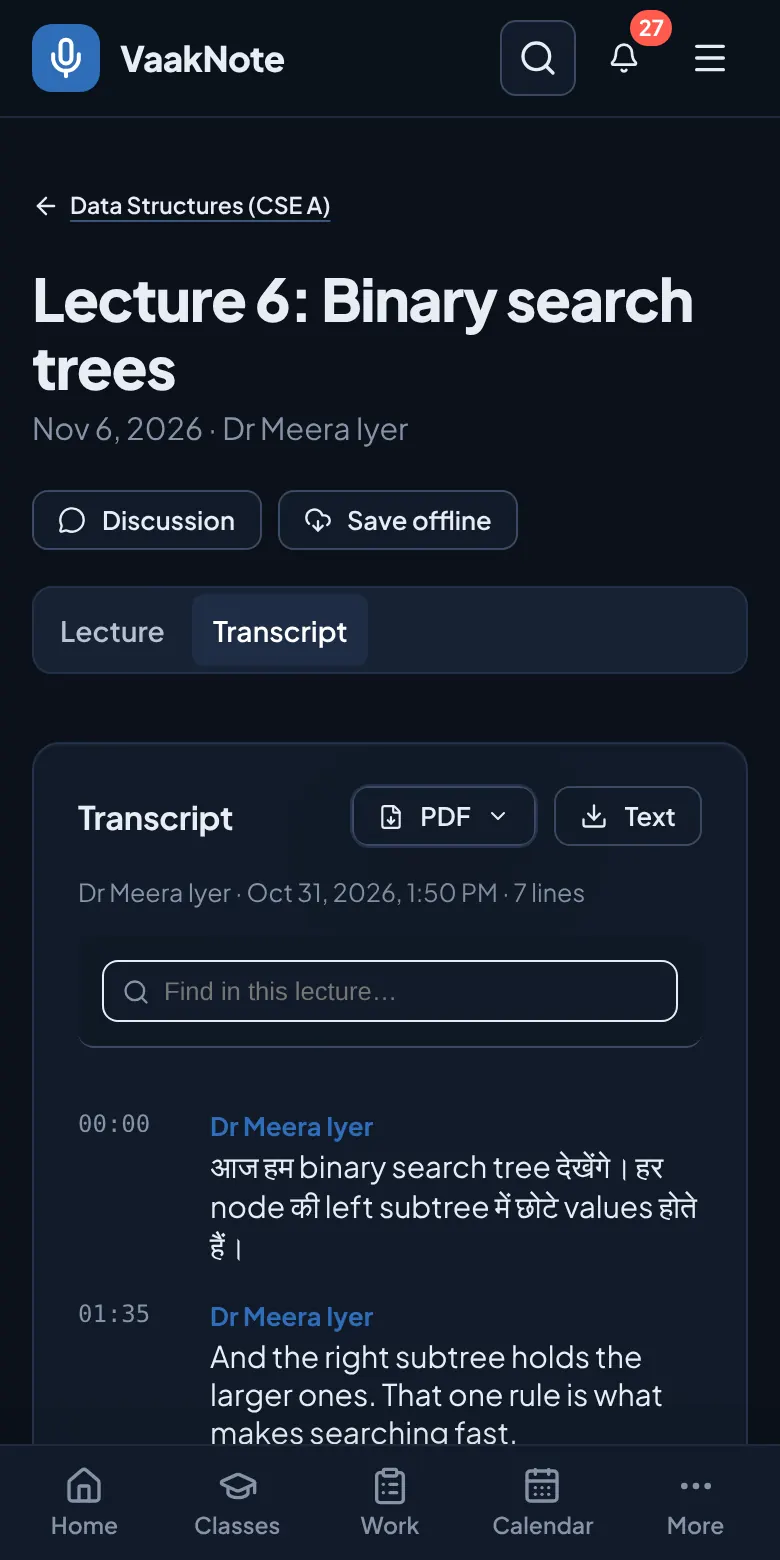
In the classroom
- Captions on the projector, or on students' phones from a QR code, as the teacher speaks.
- Code-mixed speech (Hindi and English in one sentence) captioned as it is spoken.
- Students who rely on captions can say so; their teachers see it on the class.
After the lecture
- The transcript, kept with the lecture; search a class's lectures with a plain question and jump to the moment.
- Translation line by line, and revision notes and flashcards in the student's language.
- The recording kept for a week to listen back from any line.
With or without AI
- Colleges choose: captions, translation and generated notes can each be switched off, and VaakNote runs as a plain LMS.
- Lectures held without captions still get a page, the roll and notes.
Questions
Which languages?
English and 22 Indian languages: Assamese, Bengali, Bodo, Dogri, Gujarati, Hindi, Kannada, Kashmiri, Konkani, Maithili, Malayalam, Manipuri, Marathi, Nepali, Odia, Punjabi, Sanskrit, Santali, Sindhi, Tamil, Telugu and Urdu.
What does a classroom need?
A laptop with a microphone, or a USB or collar mic for bigger rooms. Online classes on Meet, Zoom or Teams work from the browser.
How is it priced?
Captions, translation and notes are an add-on to the LMS, quoted for your college by the number of lecture hours.
More of the product
Classes and materials
One page for every class
Attendance
Attendance in one tap, short lists without spreadsheets
Planning and timetables
The semester planned, from allotment to timetable
Departments
Each department runs itself
NAAC, NBA and NIRF
Accreditation evidence, gathered as you teach
On phones
Made for the phone in every student's pocket
The OfficeAdd-on
The college office, students and staff, in the same system
Placements and internshipsAdd-on
The placement cell, from profiles to offers
Clubs and societiesAdd-on
Clubs, events and activity points, without the paperwork
See it with your own timetable
A 30-minute call: we set up a department from your data and walk through a semester, from allotment to the NAAC report.